
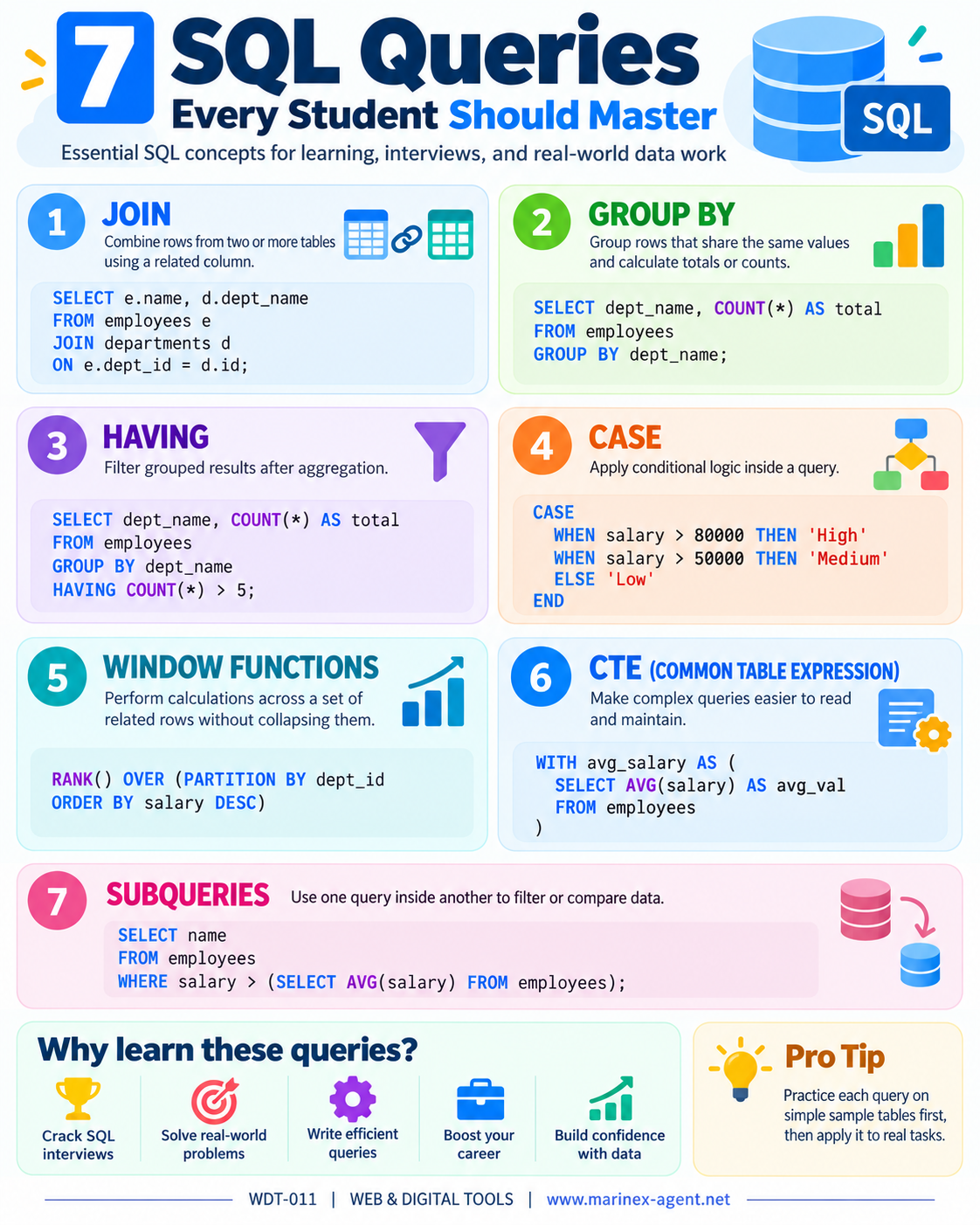
7 SQL Queries Every Student Should Master
ARTICLE CODE: WDT-011
SQL remains one of the most important tools for working with structured data. Whether you are studying databases, preparing for an interview, building reports, or working with a real business database, several query types appear again and again.
Below are seven essential SQL concepts that every beginner should understand and practice.
1. JOIN
A JOIN is used to combine data from two or more tables based on a related column.
For example, one table may contain employee names, while another contains department names. A JOIN allows us to connect them.
SELECT e.name, d.dept_name
FROM employees e
JOIN departments d
ON e.dept_id = d.id;
This query returns employee names together with their corresponding department names.
Why it matters: Real databases usually store information in several related tables. JOIN is therefore one of the most frequently used SQL operations.
2. GROUP BY
GROUP BY is used to group rows that share the same value and then calculate totals, counts, averages, or other aggregate results.
SELECT dept_name, COUNT(*) AS total
FROM employees
GROUP BY dept_name;
This query counts how many employees belong to each department.
Common aggregate functions include:
COUNT()SUM()AVG()MIN()MAX()
Why it matters: GROUP BY is essential for reports, statistics, summaries, and analytical work.
3. HAVING
HAVING is used to filter grouped results after aggregation.
SELECT dept_name, COUNT(*) AS total
FROM employees
GROUP BY dept_name
HAVING COUNT(*) > 5;
This query shows only departments that have more than five employees.
The important difference is:
WHEREfilters individual rows before grouping.HAVINGfilters grouped results after aggregation.
Why it matters: HAVING is especially useful when working with reports and statistical summaries.
4. CASE
The CASE expression adds conditional logic inside an SQL query.
SELECT name, salary,
CASE
    WHEN salary > 80000 THEN 'High'
    WHEN salary > 50000 THEN 'Medium'
    ELSE 'Low'
END AS salary_category
FROM employees;
This query divides employees into different salary categories.
CASE can be used to create:
- categories;
- status labels;
- conditional calculations;
- reporting classifications.
Why it matters: CASE makes SQL queries more flexible and allows the database to produce business-friendly results.
5. WINDOW FUNCTIONS
Window Functions perform calculations across a set of related rows without combining them into a single row.
Example:
SELECT
    name,
    dept_id,
    salary,
    RANK() OVER (
        PARTITION BY dept_id
        ORDER BY salary DESC
    ) AS salary_rank
FROM employees;
This query ranks employees by salary within each department.
Popular Window Functions include:
RANK()DENSE_RANK()ROW_NUMBER()SUM() OVER()AVG() OVER()
Why it matters: Window Functions are extremely useful for rankings, running totals, comparisons, analytics, and advanced reporting.
6. CTE — Common Table Expression
A CTE is a temporary named result set created inside a query.
It starts with the keyword WITH.
WITH avg_salary AS (
    SELECT AVG(salary) AS avg_val
    FROM employees
)
SELECT *
FROM avg_salary;
CTEs help divide complex queries into smaller and more understandable parts.
They can also be used for:
- multi-step calculations;
- cleaner reporting queries;
- recursive queries;
- replacing deeply nested subqueries.
Why it matters: CTEs make SQL code easier to read, maintain, and debug.
7. SUBQUERIES
A Subquery is a query placed inside another query.
Example:
SELECT name
FROM employees
WHERE salary > (
    SELECT AVG(salary)
    FROM employees
);
This query finds employees whose salary is higher than the average salary of all employees.
Subqueries can appear inside:
WHEREFROMSELECTHAVING
Why it matters: Subqueries allow one query to use the result of another query and are useful for filtering, comparisons, and multi-step logic.
Conclusion
These seven SQL concepts form a strong foundation for practical database work:
JOIN, GROUP BY, HAVING, CASE, WINDOW FUNCTIONS, CTE, and SUBQUERIES.
A student who understands these tools can already solve many real-world database tasks, build useful reports, analyze structured information, and prepare more confidently for SQL interviews.
The best way to learn SQL is not only to read examples, but to practice them on small tables and gradually apply them to real projects.
For future systems such as a Seamen’s Database, these same SQL techniques can later be used to search and analyze information by rank, vessel type, experience, certificates, availability, and many other criteria.
ARTICLE CODE: WDT-011