
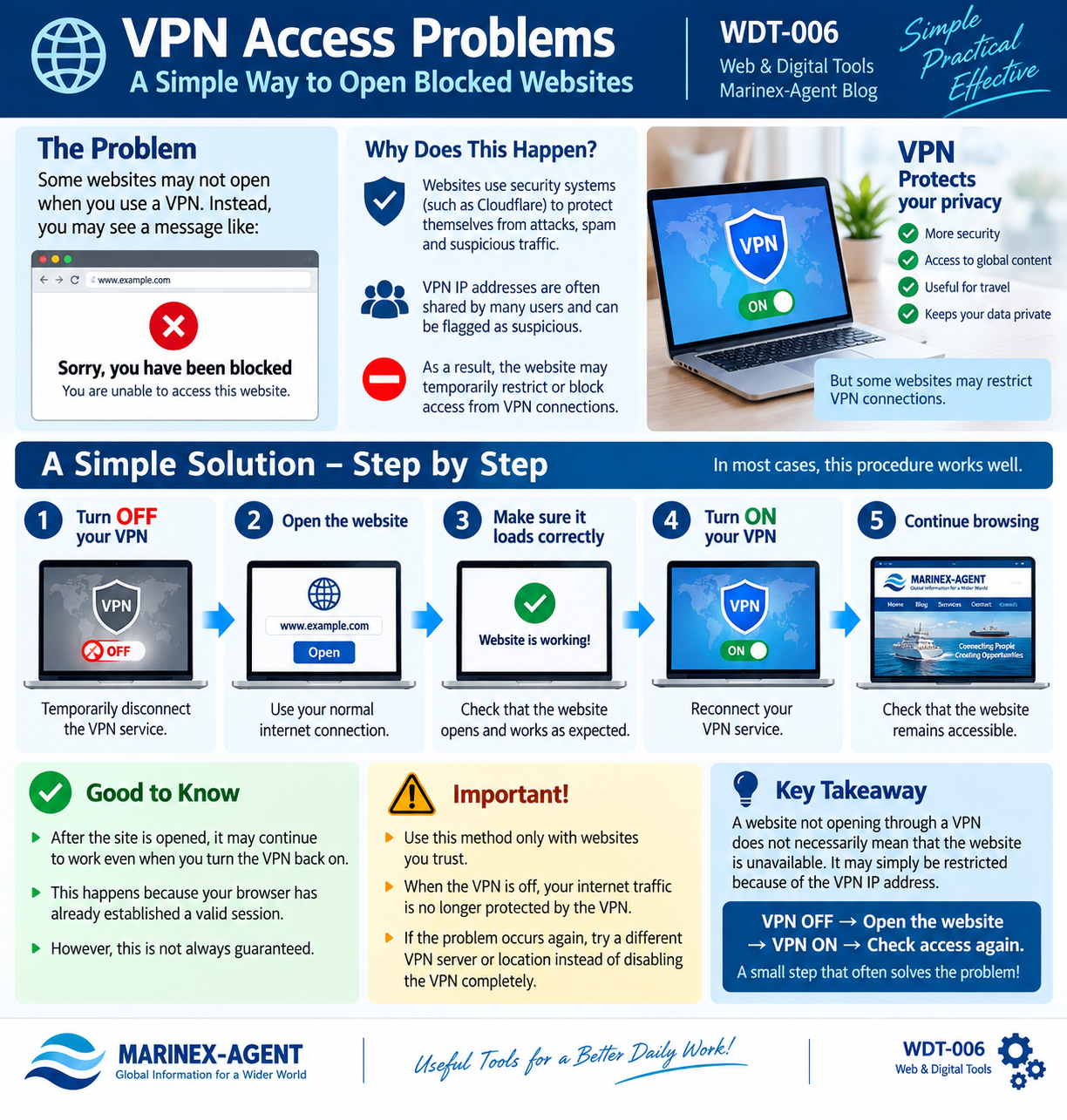
VPN Access Problems: A Simple Way to Open Blocked Websites
OUR REF NO: WDT-006
Using a VPN has become a normal part of everyday internet security. However, some websites may temporarily block visitors who connect through VPN services.
Why Can a Website Block a VPN?
Many websites use security systems such as Cloudflare to protect themselves against automated traffic, attacks, spam and suspicious connections.
A VPN normally replaces your regular IP address with an IP address belonging to the VPN provider. Because the same VPN IP address may be shared by many users, website security systems can sometimes classify it as suspicious and restrict access.
As a result, instead of the website you may see messages such as:
“Sorry, you have been blocked”
or
“Access Denied.”
A Simple Practical Solution
If a trusted website does not open while your VPN is active, the following sequence can sometimes solve the problem:
1. Temporarily disconnect the VPN.
2. Open the website using your normal internet connection.
3. Make sure the website loads correctly.
4. Reconnect the VPN.
5. Continue browsing and check whether the website remains accessible.
In some cases, the website may continue working normally after the VPN is switched back on because the browser has already established a valid session. However, this is not guaranteed: reconnecting a VPN can also assign a different IP address and trigger another security check.
Important Security Note
This method should be used only with websites you trust. When the VPN is disconnected, your internet traffic is no longer being routed through that VPN service.
If the problem occurs repeatedly, another useful option is to change the VPN server or location rather than disabling VPN protection completely.
Conclusion
A website failing to open through a VPN does not necessarily mean that the website itself is unavailable. The connection may simply have been restricted because of the VPN IP address.
The practical rule is simple:
VPN OFF → Open the trusted website → VPN ON → Check access again.
This small procedure can often restore access without changing browser settings or unnecessarily troubleshooting the computer.