
How to Format Tables Correctly in WordPress Blog
Category: Web & Digital Tools
OUR REF NO: WDT-003
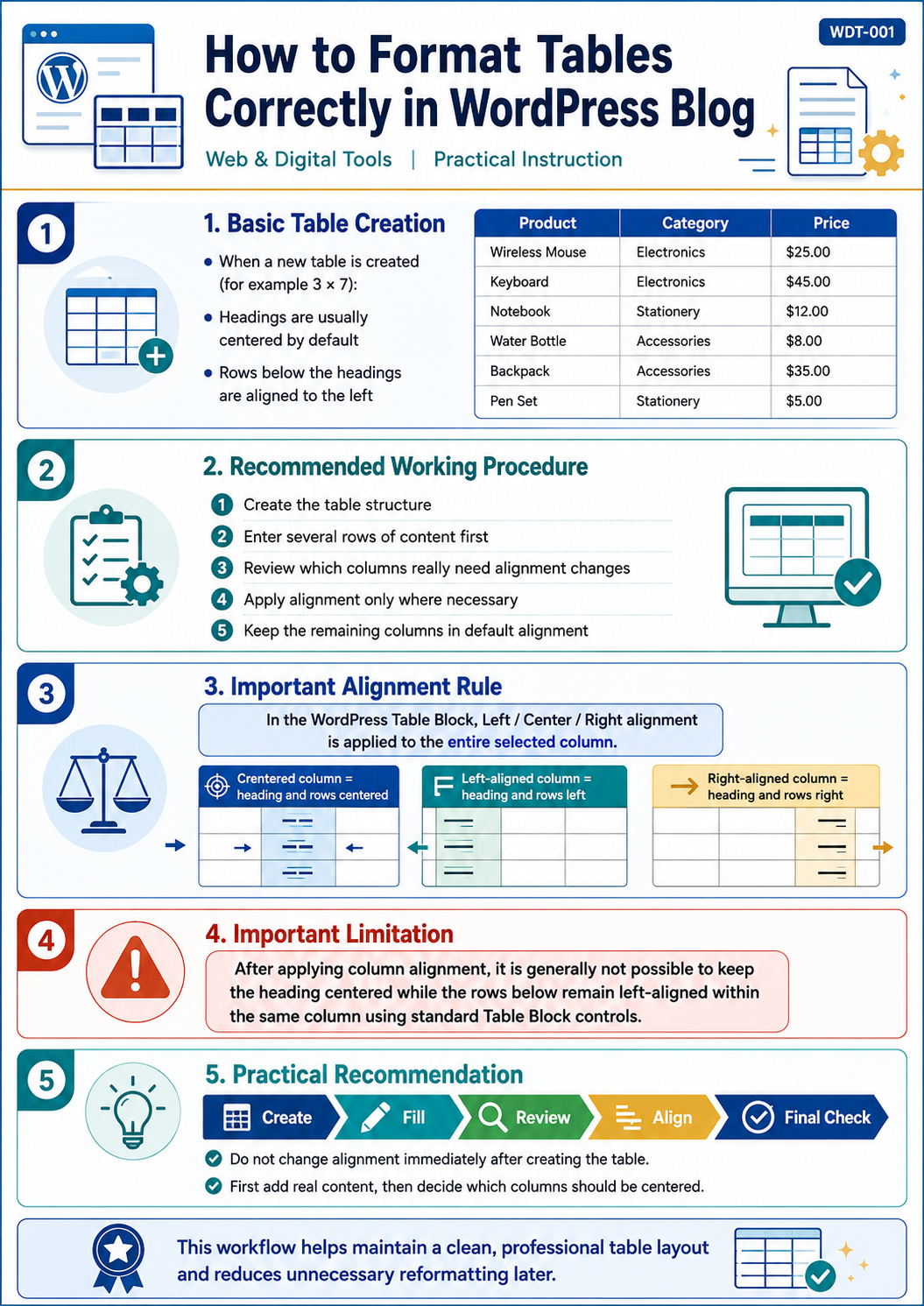
When creating tables in the WordPress Blog, it is important to understand how column alignment works before applying formatting.
Basic Table Creation
When a new table is created, for example 3 columns × 7 rows:
- column headings are usually centered by default;
- all rows below the headings are aligned to the left.
This initial layout is often the best starting point.
Recommended Working Procedure
- Create the required table structure.
- Enter at least several rows of content before changing alignment.
- Review which columns really need centered or right-aligned content.
- Apply alignment only to those columns where it is necessary.
- Keep the remaining columns in their default alignment whenever possible.
Important Alignment Rule
In the WordPress Table Block, when you use the alignment controls:
Left / Center / Right
the alignment is applied to the entire selected column.
This means that the column heading and all cells below it will move together.
For example:
- if a column is centered, both its heading and all rows will be centered;
- if a column is aligned left, both its heading and all rows will be aligned left;
- if a column is aligned right, both its heading and all rows will be aligned right.
Important Limitation
After applying column alignment, it is generally not possible to keep:
- the heading centered, while
- the rows below remain left-aligned
within the same column using the standard Table Block alignment controls.
For this reason, column alignment should be planned carefully before final formatting.
Practical Recommendation
The safest workflow is:
Create → Fill → Review → Align → Final Check
Do not change alignment immediately after creating the table.
First add real content, then decide which columns should be centered.
This approach helps preserve a clean and professional table layout and avoids unnecessary reformatting later.