
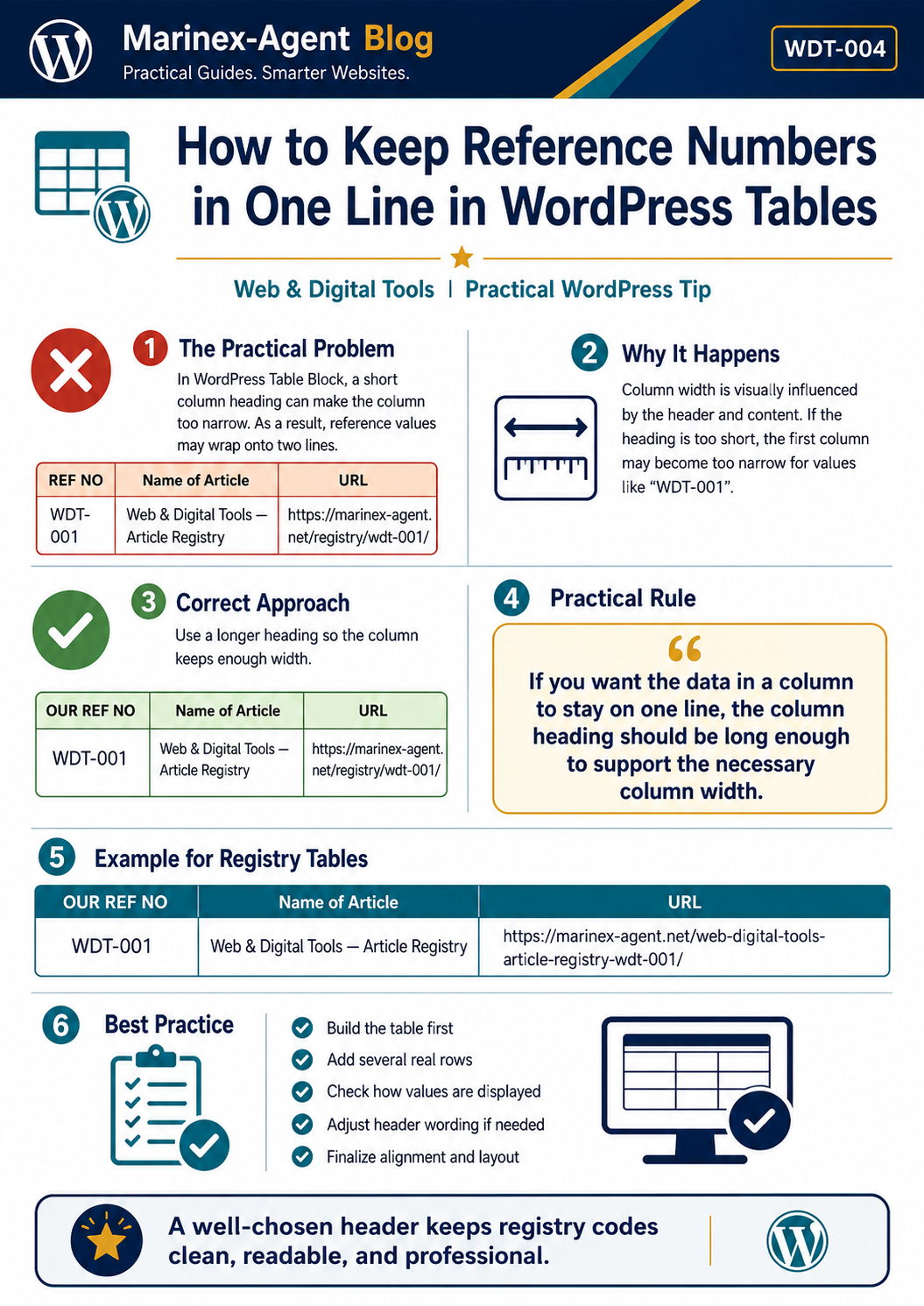
How to Keep Reference Numbers in One Line in WordPress Tables
Category: Web & Digital Tools
REF NO: WDT-004
When creating registry tables in the WordPress Blog, a small detail in the column heading can directly affect how reference numbers are displayed.
The Practical Problem
Suppose the first column contains reference numbers such as:
WDT-001
WDT-002
WDT-003
If the column heading is too short, for example:
REF NO
WordPress may make the column narrower. As a result, a reference number can be displayed on two lines:
WDT-
001
For registry tables, this looks less professional and makes the table more difficult to scan visually.
Why It Happens
In the standard WordPress Table Block, the visible width of a column is influenced by both:
- the column heading;
- the content placed inside the cells.
A short heading may allow WordPress to keep the column relatively narrow, especially when the other columns contain much longer text.
The Correct Approach
A practical solution is to use a slightly longer column heading.
For example:
OUR REF NO
instead of:
REF NO
The longer heading helps maintain sufficient column width so that values such as:
WDT-001
remain on one line.
Practical Rule
If you want the data in a column to stay on one line, the column heading should be long enough to support the necessary column width.
Example:
| OUR REF NO | Name of Article | URL |
|---|---|---|
| WDT-001 | Web & Digital Tools — Article Registry | Article URL |
| WDT-002 | Gmail Quick Guide | Article URL |
| WDT-003 | How to Format Tables Correctly in WordPress Blog | Article URL |
| WDT-004 | How to Keep Reference Numbers in One Line in WordPress Tables | Article URL |
Recommended Workflow
When preparing a new registry table:
- Create the complete table structure.
- Add several real rows of content.
- Check whether reference numbers remain on one line.
- If the reference-number column is too narrow, adjust the wording of its heading.
- Only after that finalize alignment and formatting.
Important Note
Do not judge the final column width immediately after creating an empty table.
First enter several real values. The relationship between the headings and the actual cell content becomes much clearer after the table contains real information.
Best Practice for Marinex-Agent Registries
For Marinex-Agent registry tables, the heading:
OUR REF NO
is a practical standard because it helps keep registry codes such as WDT-001, SSL-001, POL-001 and similar reference numbers clean and readable on one line.
A well-chosen column heading is therefore not only a matter of wording. In WordPress tables, it can also be an effective tool for controlling the visual width of the column and maintaining a professional registry layout.