
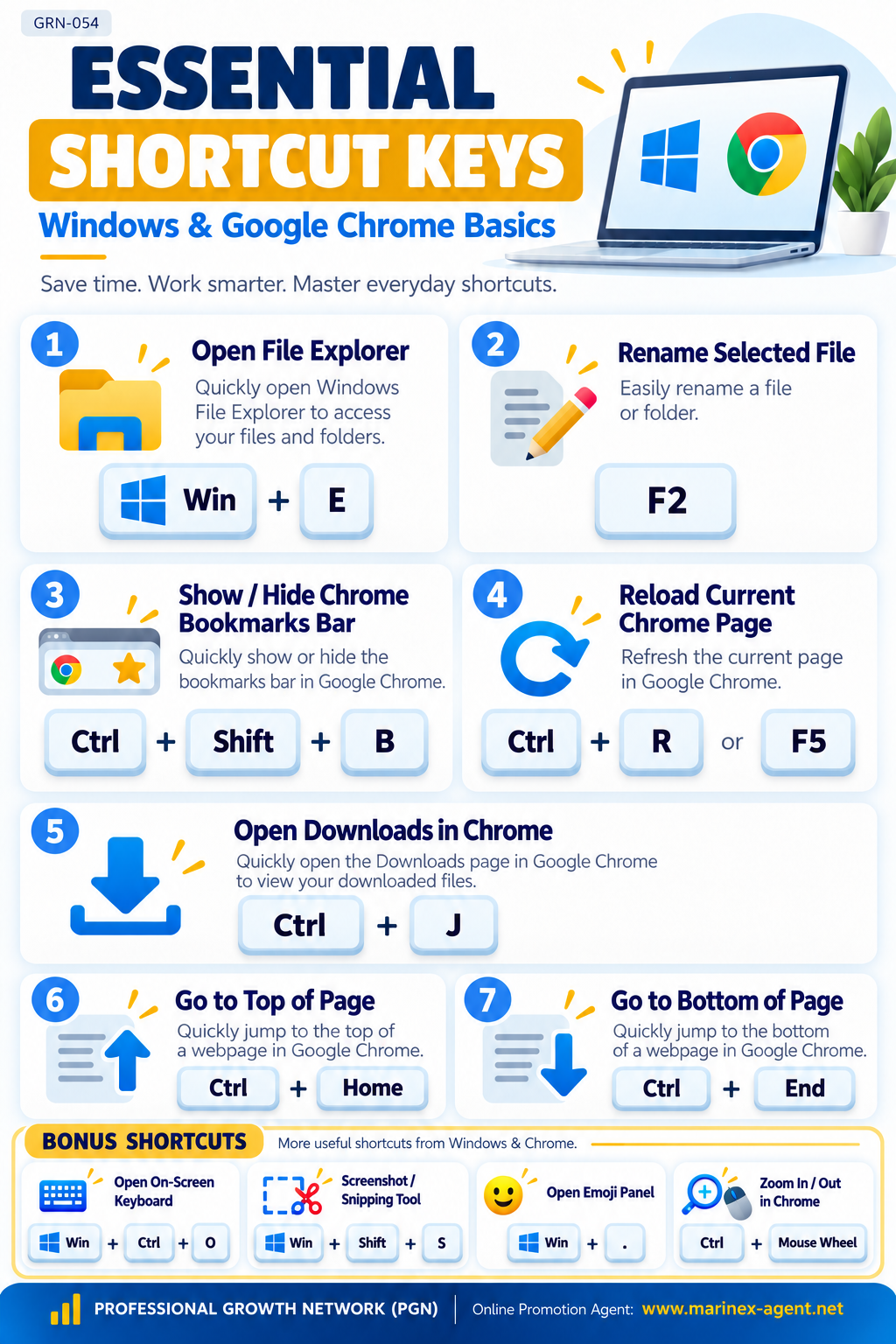
ESSENTIAL SHORTCUT KEYS —
WINDOWS & GOOGLE CHROME BASICS
Parent Category: PROFESSIONAL GROWTH NETWORK (PGN)
Category: Computer Skills & Digital Literacy
Article Code: GRN-054
Save Time • Work Smarter • Improve Your Digital Skills
Keyboard shortcuts are simple tools that help computer users work faster and more efficiently.
This short guide introduces five essential shortcuts for everyday work with Microsoft Windows and Google Chrome.
1. Five Essential Keyboard Shortcuts
| Shortcut Keys | Function |
|---|---|
| Win + E | Open Windows File Explorer |
| F2 | Rename a selected file or folder |
| Ctrl + Shift + B | Show or hide the Chrome Bookmarks Bar |
| Ctrl + R / F5 | Reload the current Chrome webpage |
| Ctrl + J | Open Downloads in Google Chrome |
These shortcuts are particularly useful for students, entrepreneurs, office employees, and professionals who regularly work with files, documents, and websites.
2. Why Learn Keyboard Shortcuts?
Regular use of keyboard shortcuts can help you:
- Save time on repetitive tasks.
- Navigate Windows and Chrome more efficiently.
- Organize files and folders.
- Access bookmarks and downloaded files quickly.
- Improve computer skills and digital productivity.
Small Shortcuts — Big Results!
3. Additional Learning Resources
Explore our related articles published by Marinex-Agent:
1. Touch Typing — GRN-007
Learn how to type without constantly looking at the keyboard, improve accuracy, and develop better typing habits.
2. Computer Skills & Digital Literacy — GRN-027
Additional material from our Computer Skills & Digital Literacy article series.
3. Windows Key Shortcuts — GRN-030
Discover useful Windows keyboard combinations for managing files, applications, system settings, and everyday computer operations.
4. Google Chrome Shortcut Keys — GRN-052
A practical guide to Chrome shortcuts for editing, navigation, tabs, bookmarks, downloads, and browser tools.
Conclusion
Learning keyboard shortcuts is a simple way to improve digital literacy and everyday productivity.
Start with five essential shortcuts, practice them regularly, and gradually expand your computer skills.
Learn • Practice • Improve • Grow
PROFESSIONAL GROWTH NETWORK (PGN)
Online Promotion Agent: www.marinex-agent.net
Article Code: GRN-054